---
title: "How to Install Apache Web Server on Amazon Linux 2"
description: "How to install the Apache web server on Amazon Linux 2, open HTTP through firewalld, and serve a simple HTML page from an EC2 instance."
author: "Mohammad Abu Mattar"
canonical: https://mkabumattar.com/blog/post/how-to-install-apache-web-server-on-amazon-linux-2
---
# How to Install Apache Web Server on Amazon Linux 2
## Introduction
In this tutorial, we will learn how to install Apache web server on Amazon Linux 2. We will also learn how to configure Apache web server to serve a simple HTML web page.
## Prerequisites
To follow this tutorial, you will need:
- An Amazon Linux 2 EC2 instance.
- A user with sudo privileges.
## Install Apache web server and serve a simple HTML web page
### Step 1: install Apache web server
Before we start, we need to update the package list and upgrade the installed packages:
```shell
sudo yum update -y
```
Now, we can install Apache web server:
```shell
sudo yum install httpd -y
```
### Step 2: start Apache web server
Now, we can start Apache web server:
```shell
sudo systemctl start httpd
```
And configure Apache to run on system boot:
```shell
sudo systemctl enable httpd
```
### Step 3: configure the firewall
Now, we need to configure the firewall to allow HTTP traffic:
```shell
sudo firewall-cmd --permanent --add-service=http
sudo firewall-cmd --reload
```
### Step 4: create a simple HTML web page
Before we can test Apache web server, we need to change the permissions of the `/var/www/html` directory:
```shell
sudo chmod 777 /var/www/html
```
Now, we can create a simple HTML web page:
```shell
sudo vi /var/www/html/index.html
```
```html
Apache Web Server
Apache Web Server
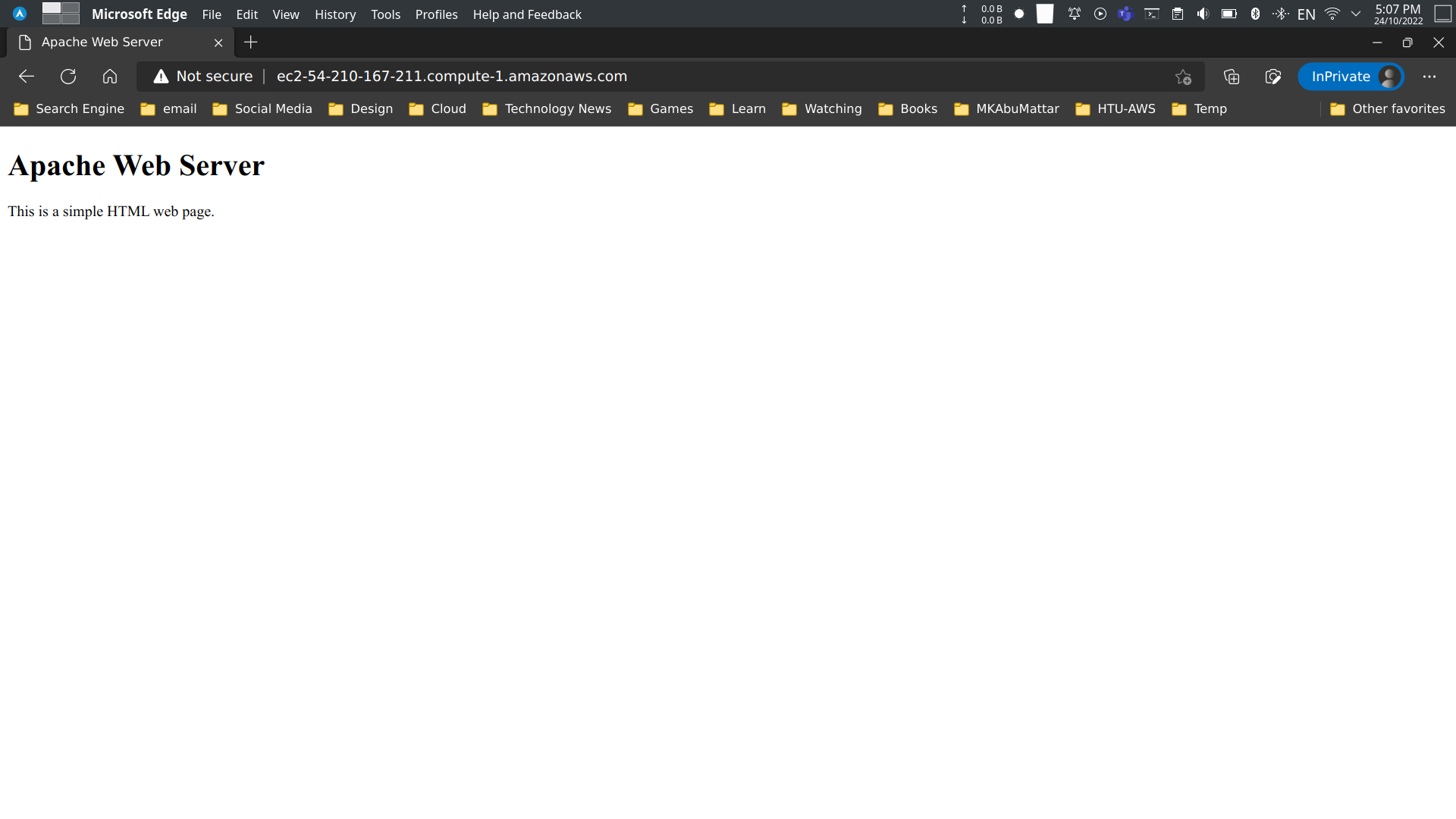
This is a simple HTML web page.
```
### Step 5: test Apache web server
Now, we can test Apache web server by opening the public IP address of our Amazon Linux 2 EC2 instance in a web browser:
## Conclusion
In this tutorial, we learned how to install Apache web server on Amazon Linux 2. We also learned how to configure Apache web server to serve a simple HTML web page.
## References
- [Apache HTTP Server Project Documentation](https://httpd.apache.org/docs/)
- [Amazon EC2 User Guide for Linux Instances](https://docs.aws.amazon.com/AWSEC2/latest/UserGuide/concepts.html)
- [Tutorial: Installing a LAMP Web Server on Amazon Linux 2](https://docs.aws.amazon.com/AWSEC2/latest/UserGuide/ec2-lamp-amazon-linux-2.html)
- [Firewalld Official Documentation](https://firewalld.org/documentation/)
- [Managing software on your Linux instance - AWS](https://docs.aws.amazon.com/AWSEC2/latest/UserGuide/managing-software.html)
- [Controlling Services with systemctl - Red Hat](https://access.redhat.com/documentation/en-us/red_hat_enterprise_linux/7/html/system_administrators_guide/sect-managing_services_with_systemd-services) (Amazon Linux is RHEL-based)
- [Using firewalld - Fedora Project Docs](https://docs.fedoraproject.org/en-US/quick-docs/firewalld/)
- [AWS - Amazon Linux 2 AMI Information](https://aws.amazon.com/amazon-linux-2/)
- [Previous Post: How to Install and Setup FireWall on Amazon Linux 2](/blog/post/how-to-install-and-setup-firewall-on-amazon-linux-2)
- [HTML Tutorial - W3Schools](https://www.w3schools.com/html/)
- [Vi Text Editor Tutorial](https://www.vim.org/docs.php)